Manage every client's content workflow in a separate workspace, with one login
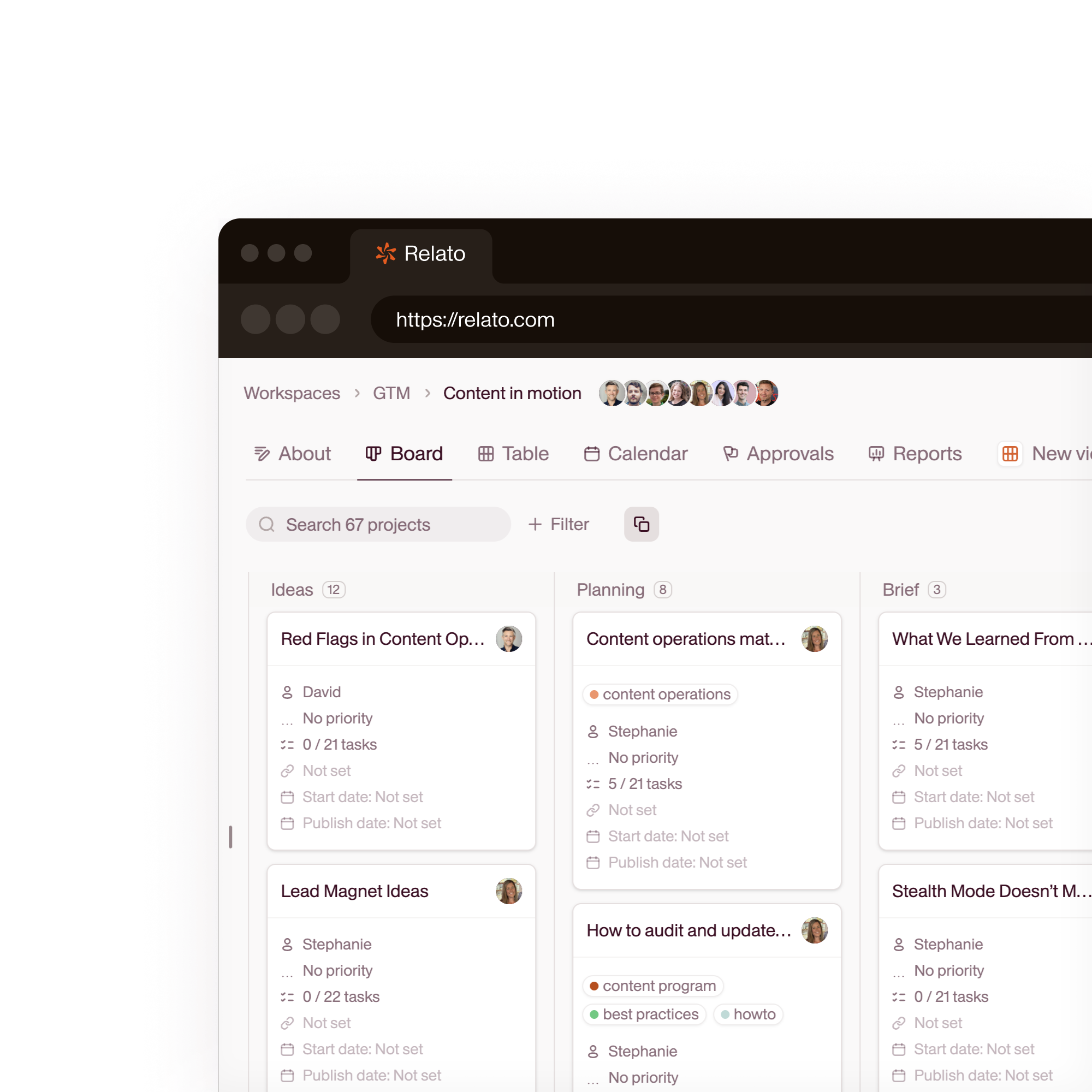
Create a workspace per client. Each workspace has its own brand library, workflow stages, team members, and AI agents. Your team sees all clients from one dashboard. Clients see only their work.

Stop duplicating your project management setup for every new client
Without Relato
- A separate Notion workspace or Asana project per client
- Re-uploading brand guidelines every time a client onboards
- Freelancers with access to the wrong client's files
With Relato
- One Relato organization, one workspace per client
- Each workspace has its own brand library that agents and writers auto-reference
- Scoped permissions: freelancers see only the clients they work on
One workspace per client, one dashboard for your team
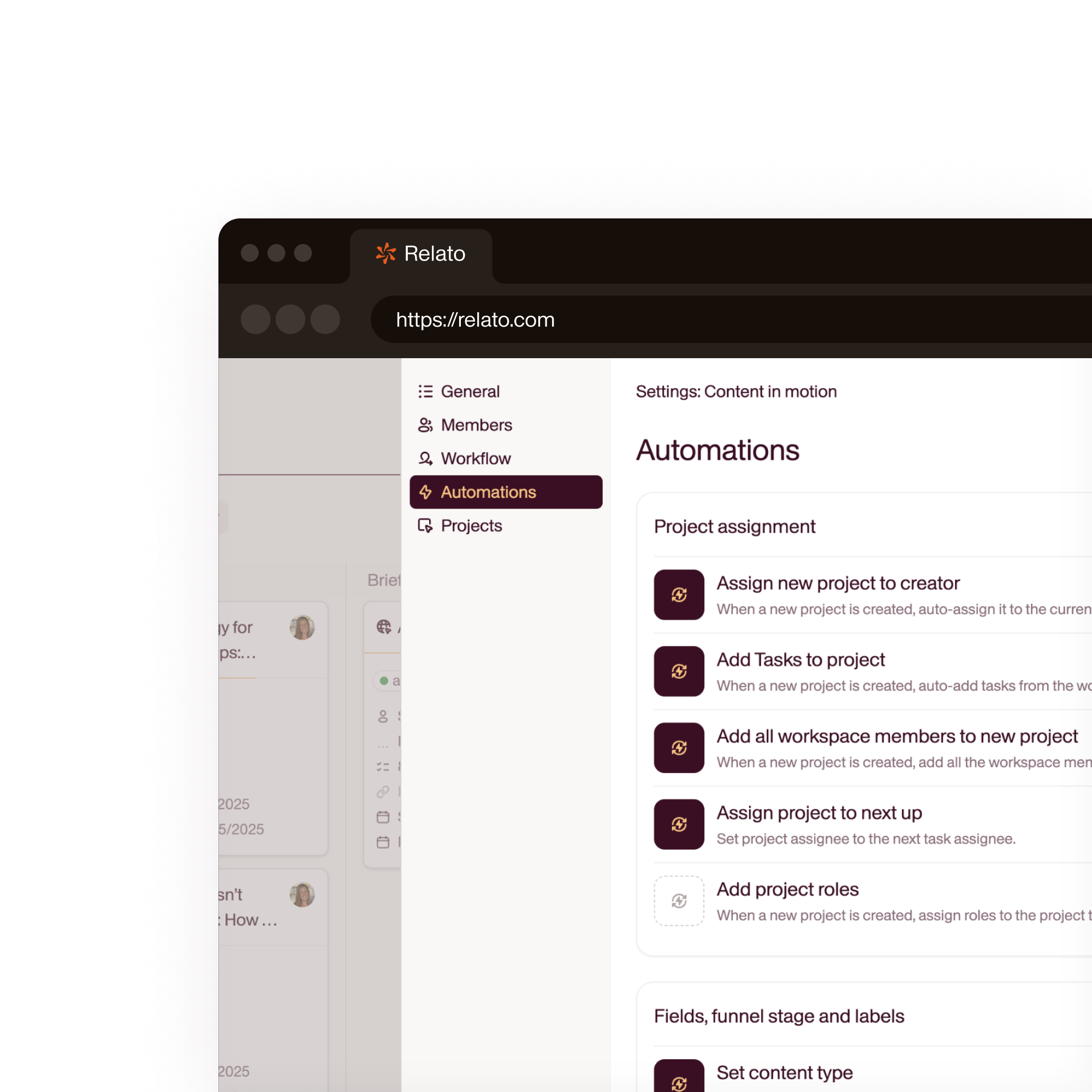
Create a workspace per client. Each has its own brand library, workflow stages, team members, and AI agents. Your team sees all workspaces from one dashboard. Clients see only theirs.
- Separate brand library per client
- Scoped permissions. No cross-client visibility
- Switch between clients from one dashboard
AI agents trained on each client's brand
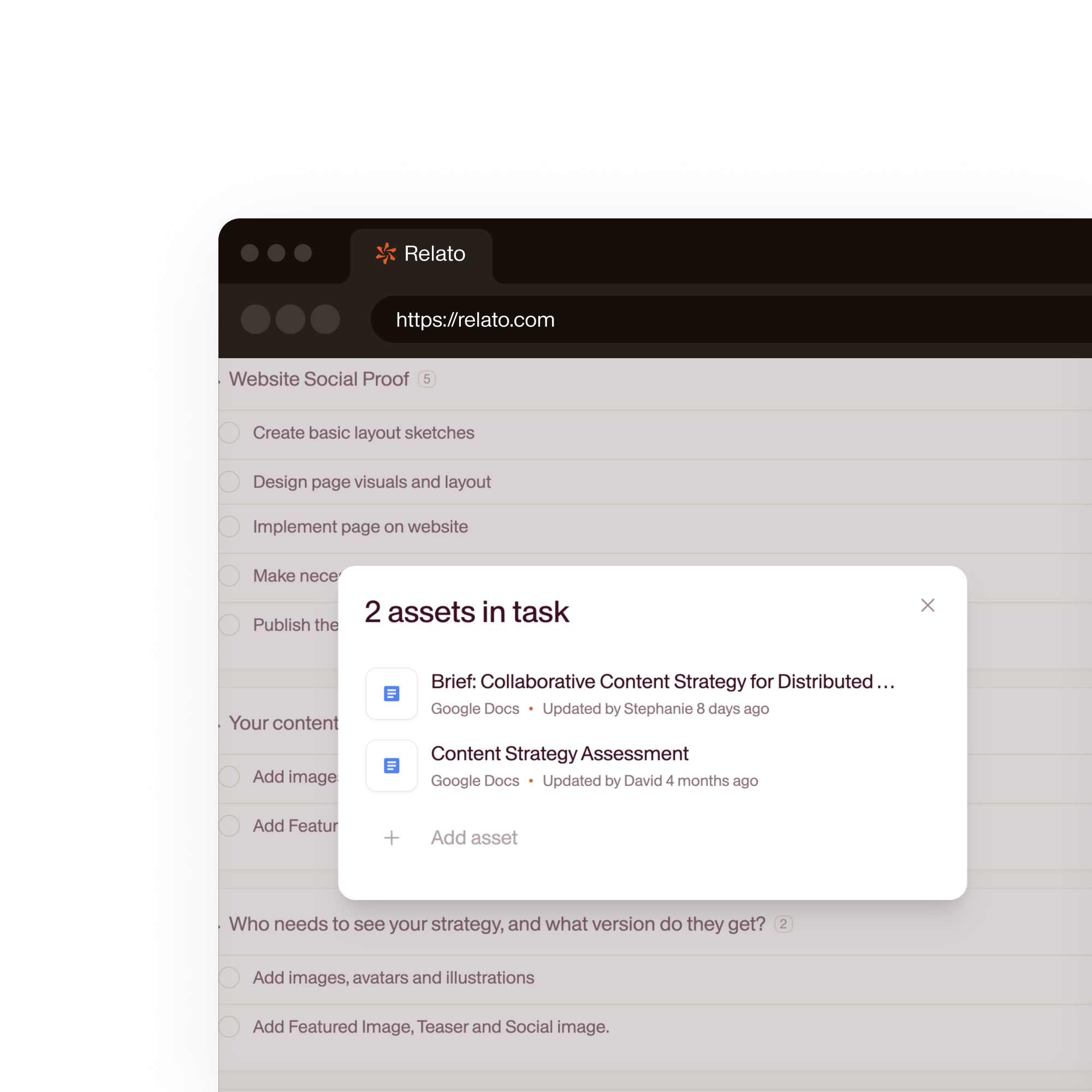
Agents in each workspace read that client's brand library. A first draft for Client A sounds like Client A. No prompt engineering per client.
- Client-specific brand voice and style
- Agents auto-reference the right library
- Custom agents per client in 60 seconds
Give clients visibility without giving up control
Invite clients with a viewer or commenter role. They see project status, leave feedback, and approve, but can't edit workflow stages or agent settings.
- Viewer and commenter roles for clients
- Clients approve directly in the project
- No more PDF review cycles
“Implementing Relato ended up being a gift. It pushed us to define our process clearly, and now everything runs much smoother.”
 Mariya Delano CEO, Kalyna Marketing
 “It's so flexible. We're finalizing our workflows now, and soon, more freelancers will be onboarded. We already know Relato can scale with us.”
 Cassandra Gambill Head of Content, Walks and Devour Tours
 How Relato compares for agency workflow
| Relato | Asana / Monday / Notion | |
|---|---|---|
| Client isolation | Separate workspaces. Clients see only their work | Projects with permission workarounds |
| Per-seat cost | No per-seat fees. Invite all clients and freelancers | Per-seat pricing increases with every client |
| Brand library per client | Each workspace has its own Brand Library for AI and writers | Shared drives or wikis per project |
| Client review | Clients comment and approve inside the project | PDFs, email chains, or external tools |
| Template reuse | Apply your agency workflow template to every new client | Manual setup per client project |
Frequently asked questions
Can each client have its own brand guidelines for AI agents?
Yes. Each workspace has its own Brand Library. Upload client-specific voice guidelines, style docs, and reference content. AI agents in that workspace read from that client's library, so output matches the client's brand, not your agency's.
How do permissions work across multiple clients?
Each workspace has its own member list and roles. A freelancer invited to Client A's workspace cannot see Client B's workspace. Your agency team can be invited to all workspaces and switch between them from one dashboard.
Can I use workspace templates for new clients?
Yes. Create a template with your standard workflow stages, default tasks per stage, and AI agent configurations. When you onboard a new client, apply the template and customize the Brand Library. Setup takes minutes, not days.
Is there a limit on workspaces or clients?
No. Create as many workspaces as you need. There are no per-workspace fees and no per-seat fees. Your pricing is based on your plan, not your client count.
Set up your first client workspace
One workspace per client. No per-seat fees. Free trial.