Onboard freelancers to your content workflow without per-seat fees
Invite any number of freelancers and agency partners. They see their assigned projects, access the brand library, and deliver work inside your workflow, with no extra licenses.

Stop onboarding freelancers through email threads and shared drives
Without Relato
- Per-seat licensing that makes adding freelancers expensive
- Briefs in email, drafts in Docs, feedback in Slack
- Freelancers lack brand context, so every first draft misses the mark
With Relato
- Unlimited seats. Invite your whole bench at no extra cost
- Briefs, drafts, and feedback live inside each project
- Freelancers access your brand library: voice guides, style docs, past work
Give freelancers scoped access to projects
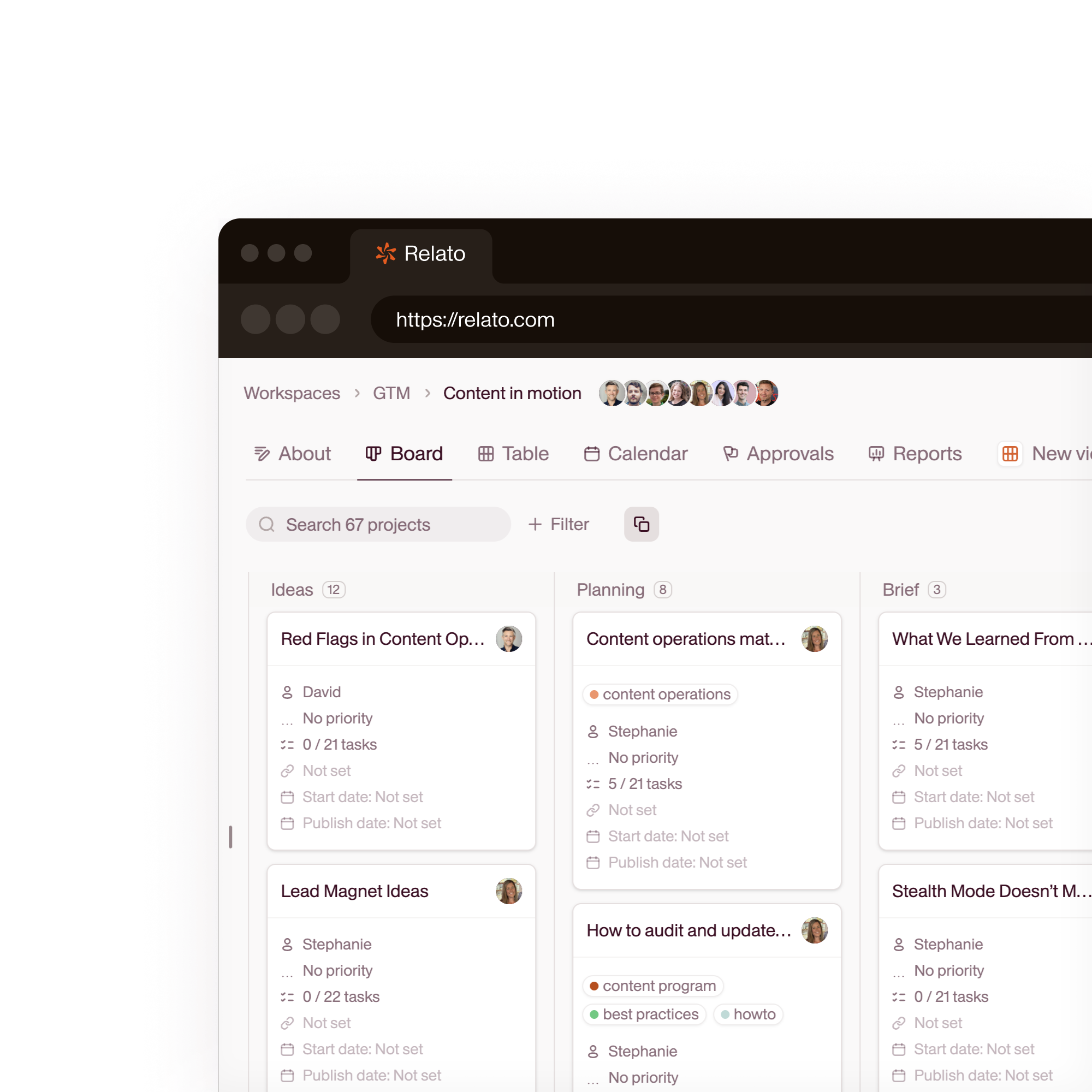
Invite freelancers to specific workspaces. They see their assigned tasks and project briefs. They don't see pricing, strategy docs, or other clients.
- Unlimited seats, no per-user fees
- Workspace-level permissions
- Freelancers see only their assigned work
Share your brand library automatically
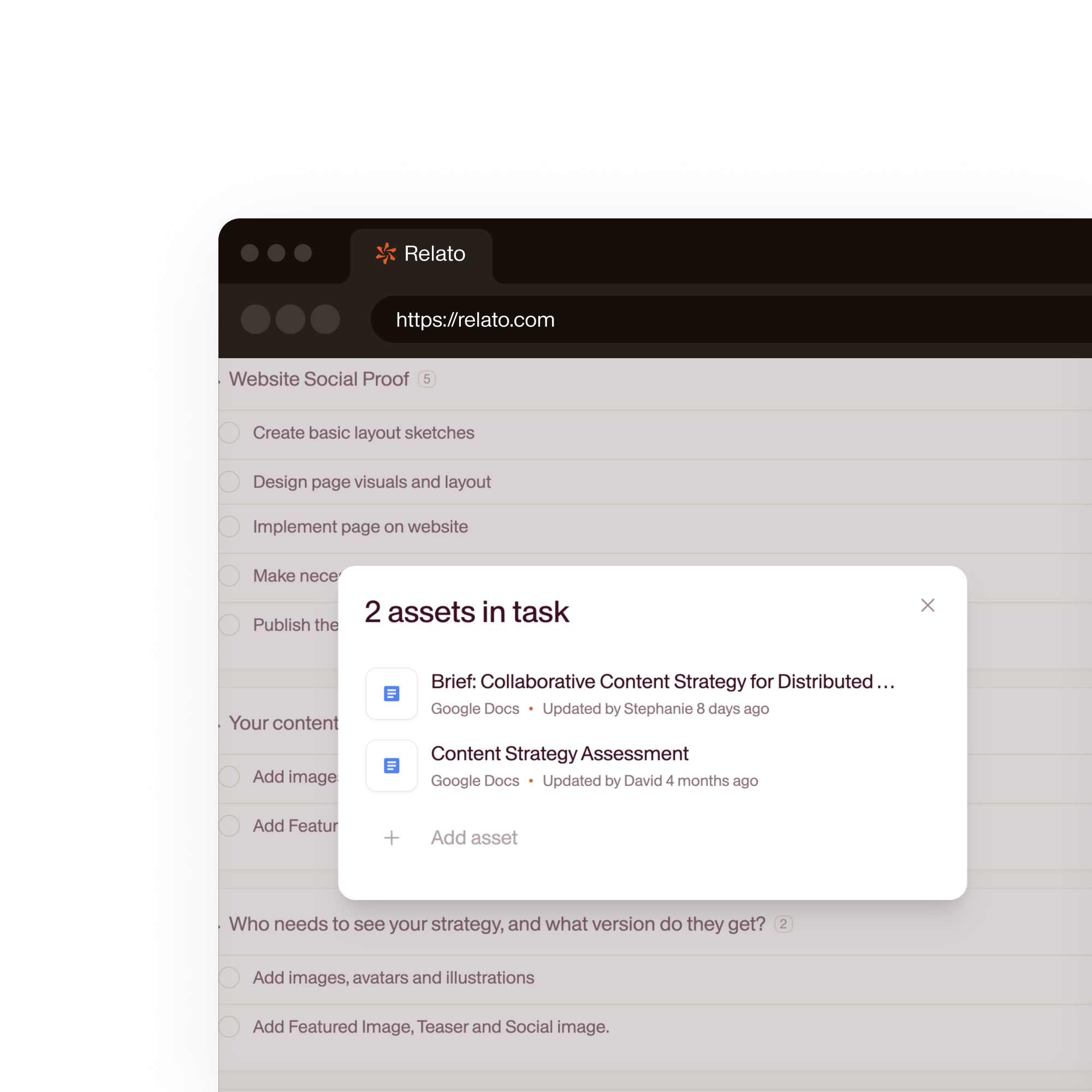
Upload voice guidelines, style guides, and reference content to the Brand Library. Every freelancer, and every AI agent, reads from the same source when writing.
- Voice guides, style docs, reference content
- AI agents pull from the same library
- First drafts match your brand on the first pass
Review and approve in one place
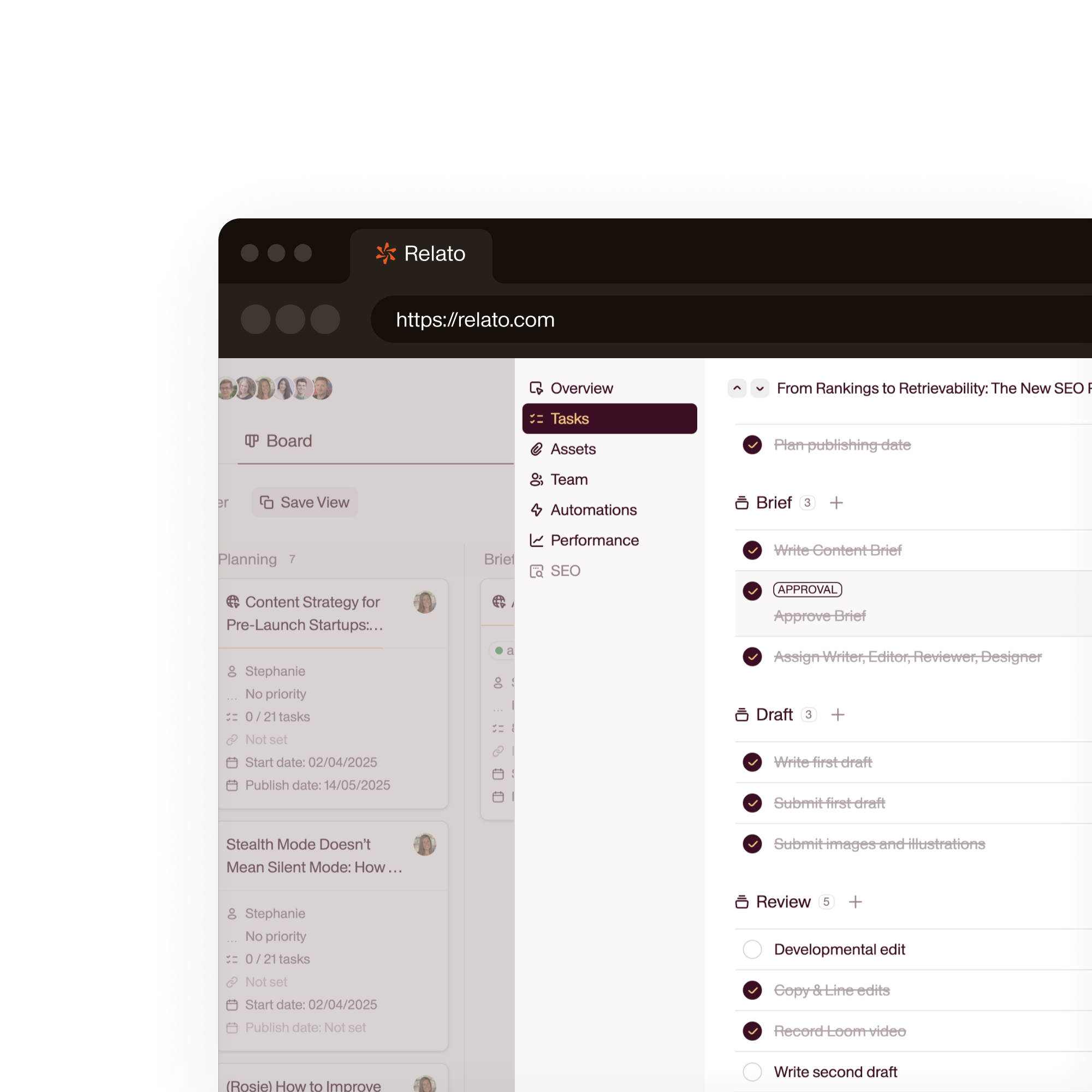
Freelancers submit work inside the project. You review, leave comments, request changes, or approve, all tracked with timestamps.
- Inline comments on drafts
- Approval gates per task
- Full history of revisions and feedback
40.6%
of marketers say tool integration is their biggest adoption hurdle
SaaSultra, 2026
$0
per-seat cost for freelancers. Relato has no seat limits
Relato pricing
2,000+
content assets organized on Relato by Walks & Devour Tours
Relato case study
50%
reduction in weekly sync meeting time reported by RAYVN
Relato case study
“The biggest challenge Asana presented was integrating freelancers. It was complicated and, while we could find workarounds, they were clunky, manual, and expensive.”
 Cassandra Gambill Head of Content, Walks and Devour Tours
 “The briefs are clearer, and I've heard directly from freelancers that communication has improved.”
 Lauren Gibson Content Marketing Manager, Rally UXR
 How Relato compares for freelancer management
| Relato | Asana / Monday / ClickUp | |
|---|---|---|
| Freelancer seats | Unlimited, no per-seat fees | Per-seat pricing |
| Brand guidelines access | Centralized Brand Library, auto-referenced by writers and AI | Shared docs or wikis, manually distributed |
| Scoped permissions | Workspace-level. Freelancers see only their work | Project-level. Requires complex permission rules |
| Review workflow | Comments, approvals, and revisions inside each project | External docs with email-based feedback |
| AI agents | Agents write with brand context, assigned to tasks | No native AI agents |
Frequently asked questions
Does Relato charge per seat for freelancers?
No. Relato has no per-seat pricing. You can invite unlimited freelancers, agency partners, and team members. Everyone works inside the same platform.
Can freelancers access my brand guidelines?
Yes. When you upload documents to the Brand Library (voice guidelines, style guides, reference articles), freelancers assigned to that workspace can read them. AI agents also pull from the same library when generating content.
What can freelancers see vs. what's hidden from them?
Freelancers see the workspaces you invite them to, their assigned projects and tasks, the brand library for that workspace, and comments on their work. They don't see other workspaces, billing information, or strategy documents unless you explicitly share them.
How do approvals work with freelancers?
Each task can require approval before it's marked complete. When a freelancer submits work, the assigned approver (usually an editor or content lead) reviews it, requests changes, or approves it. The project moves forward when all required approvals are in.
Onboard your first freelancer in 2 minutes
No per-seat fees. Unlimited team members. Free trial.