Claude Skills for content operations Run your content team the way Relato runs ours
A Claude Skill is a reusable instruction package Claude loads when a task calls for it. Each skill is a folder holding a SKILL.md file: YAML frontmatter that names and describes the skill, and a markdown body carrying the procedure, the rules, and the output format. Install it once. Claude applies it every time you invoke it.
The ten skills on this page cover a content team's workflow end to end. Planning gets a calendar, a brief, an outline. Production gets a voice pass and an editorial review. Distribution gets a repurposing pack, and the refresh loop gets an FAQ miner, a striking-distance refresher, and a ranked queue to feed it. Each skill does one job, checks its own output, and stops where the next skill or a human picks up. We run the same loops on relato.com; these are the standalone versions.
How to install a Claude Skill
Every skill below is a single SKILL.md file, released under an MIT license. Installing one takes a minute. The steps differ by surface, so both are below.
In Claude Code
- Get the SKILL.md from the skill's page. The download is gated on an email and arrives as a Google Doc copy of the skill with install notes, alongside a one-page PDF summary.
-
Save the skill's contents to
~/.claude/skills/<skill-name>/SKILL.md. The folder name matches thenamefield in the file's frontmatter, so the Humanizer lives at~/.claude/skills/humanizer/SKILL.md. For a shared setup, commit the folder to.claude/skills/inside the project repo instead; everyone who pulls the repo gets the skill. -
Ask for the skill by name in a session, or type
/<skill-name>. Claude Code loads the instructions and asks you for the inputs the skill requires.
On claude.ai
The same SKILL.md package runs on claude.ai where your plan supports skills. There is no filesystem step. You add the skill through the skills area of your claude.ai settings, following the in-product flow, which varies by plan and workspace. Once the skill is enabled, Claude uses it when a task matches the skill's description, or when you name it.
A skill can bundle extra files beside its SKILL.md, such as templates or scripts. The ten skills here each ship as one file, so the download above is the whole install.
The library

No skills found for the selected category.
What each skill does
In workflow order, from planning through refresh. Each name links to the skill's page, where the download lives.
Content Calendar Generator
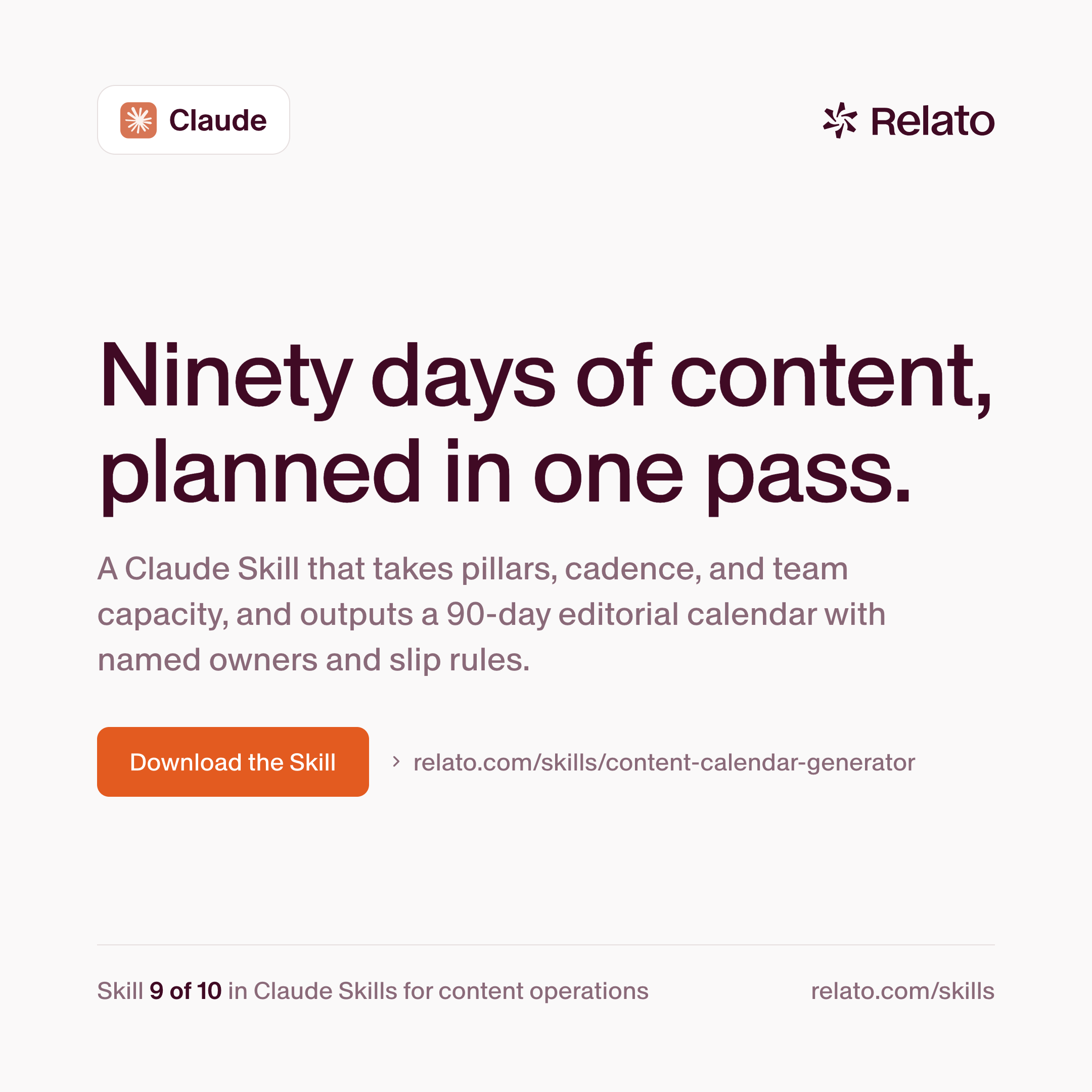
Takes your pillars, your cadence per format, and your named team capacity, and returns a 90-day editorial calendar that respects all three. Every slot carries an owner, a format, a pillar, a brief deadline, a draft deadline, and a publish date. Slip rules are explicit. The calendar states what triggers a kill, a re-shuffle, or an escalation. It never schedules a piece without a named owner, never overcommits a single writer, and never books the same pillar twice in a row.
Brief Drafter
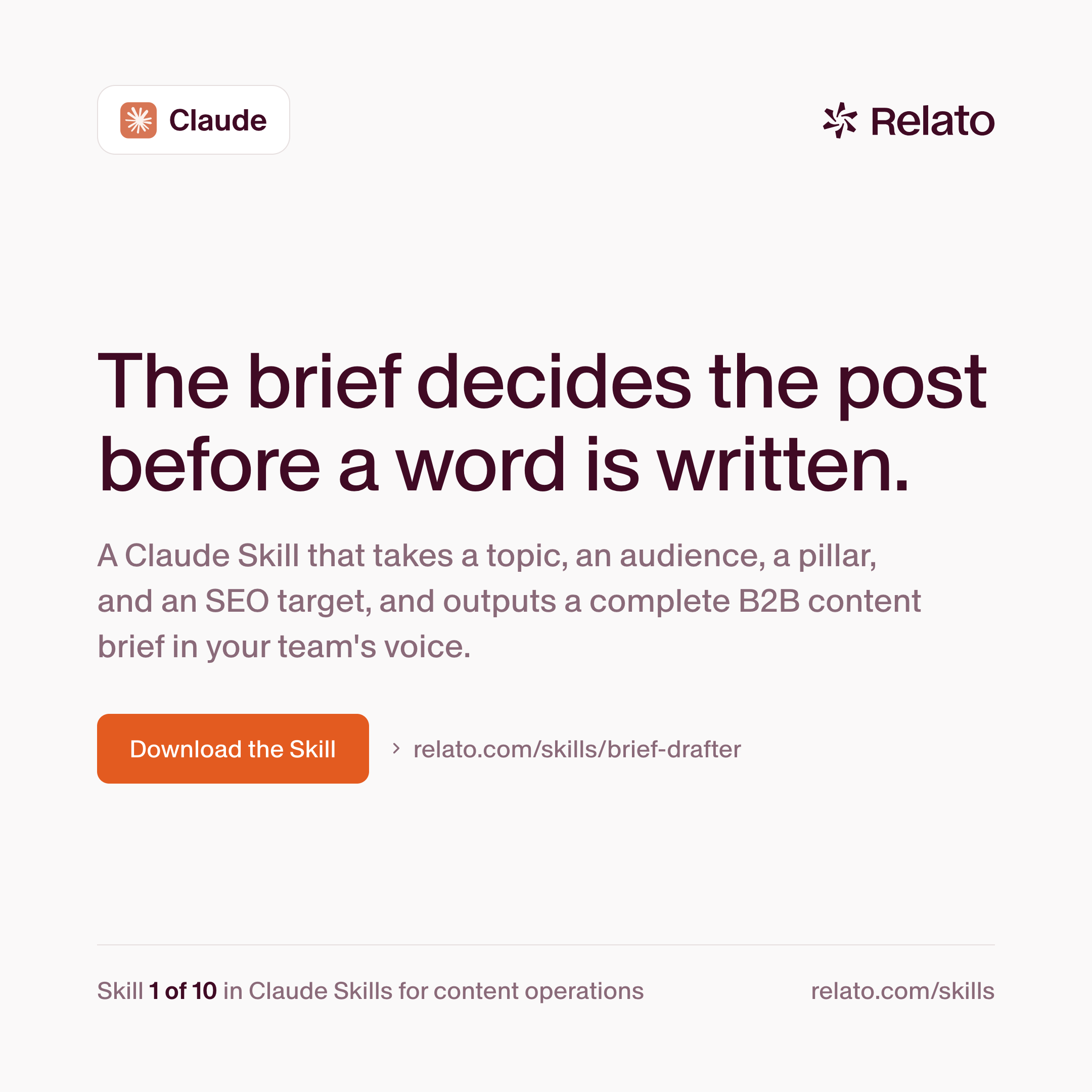
Turns four inputs into a complete B2B content brief: the topic, the audience row, the pillar, and the primary SEO query with its supporting queries. Before drafting, it checks whether the query is realistic for your domain authority, whether the audience fits the pillar, and whether a recent piece on the topic should be refreshed instead. Every section is required. Placeholders are refused. It stops at the brief; the writer drafts the piece.
Brief-to-Outline
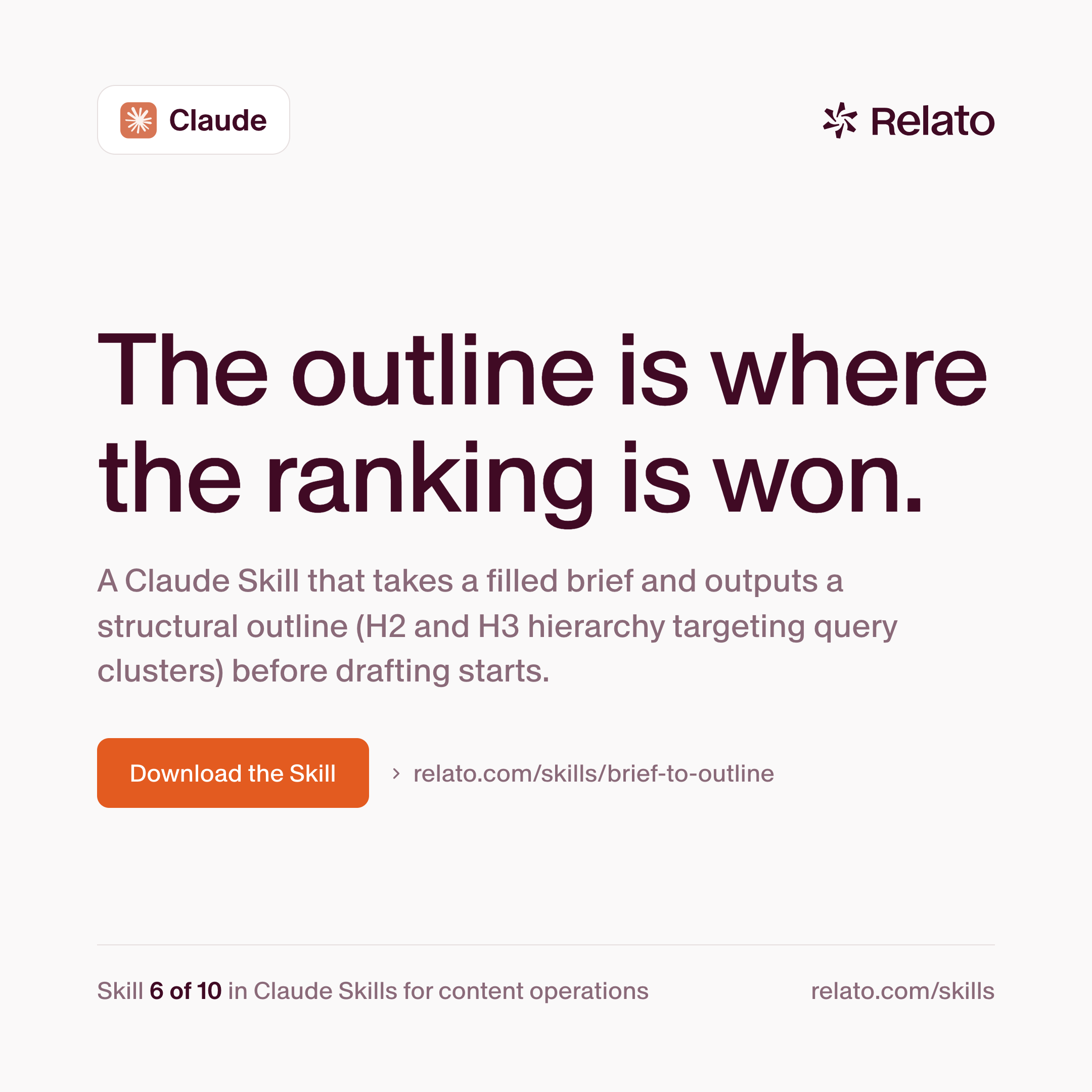
Maps a filled brief onto a structural outline. The primary query lands in the H1 and at least one H2, supporting queries map to H2s or H3s with no orphans, the FAQ section is sketched, and internal link slots are noted. It returns a markdown skeleton with empty paragraphs under each heading, and writes no body copy.
Humanizer
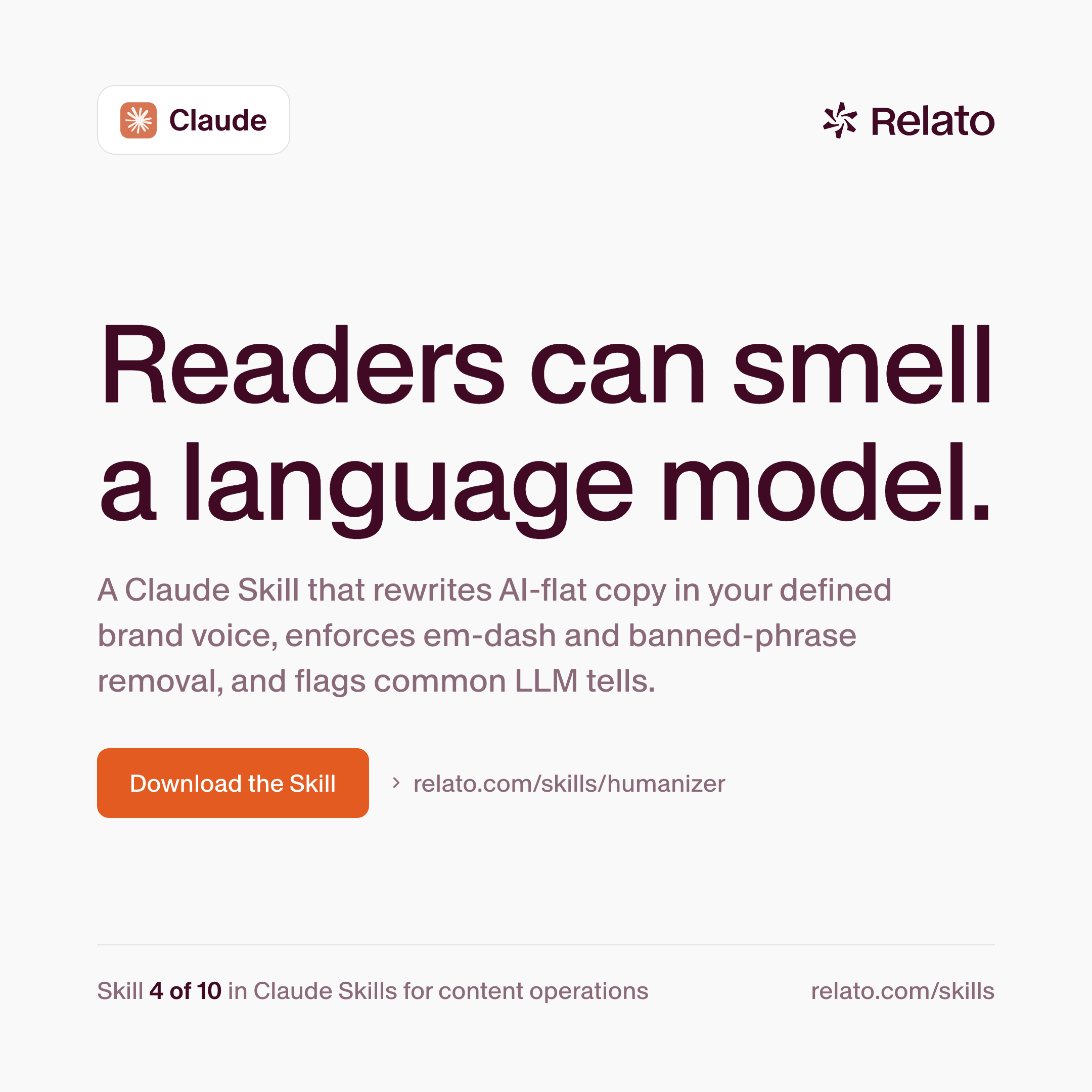
Reads a draft against your voice profile and strips the common signs of AI writing: em dashes, banned phrases, hedging, the rule-of-three pattern, vague attribution, chatbot artefacts. It rewrites in two passes with an explicit self-audit between them, then returns the clean draft plus a count of what changed. The pattern catalog is adapted from Wikipedia's Signs of AI writing guide. It invents no facts and no citations.
Editor Checklist
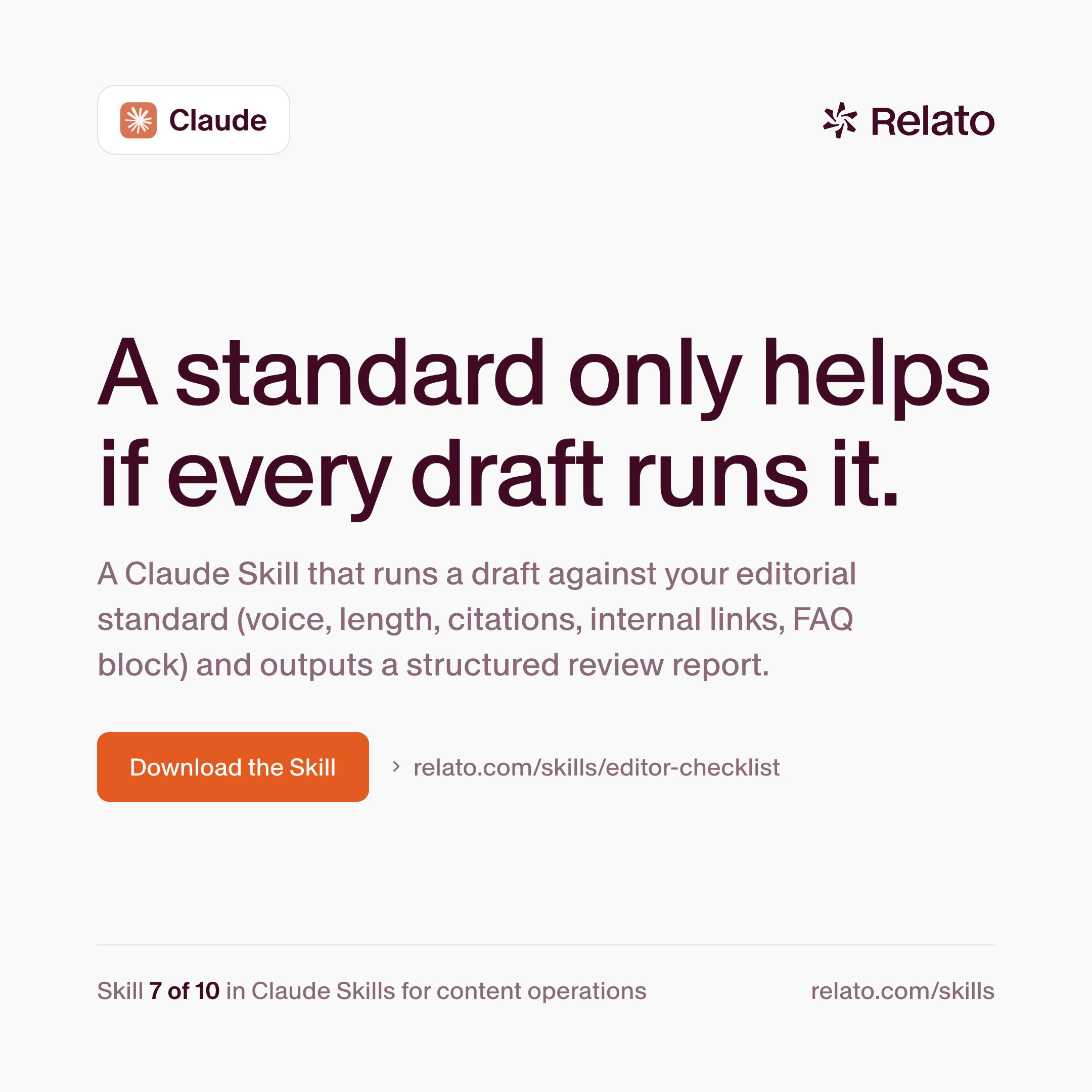
Runs a draft against your editorial standard and scores every gate pass, flag, or fail: voice, length, em dashes, banned phrases, reachable citations, FAQ block present, internal links both ways, primary query in the right places. Each fail carries a line-edit note. The report ends in a verdict of approve, revise, or kill, and the skill never rewrites the draft itself.
Internal Link Auditor
Scans your blog folder around one post and returns a link plan: two to four outbound links to related pieces, and one to three inbound links from existing posts, each with anchor text drawn from phrases already on the page and a stated reason. It makes no silent edits. You apply the plan yourself, or hand it to a follow-up skill.
Repurpose Pack
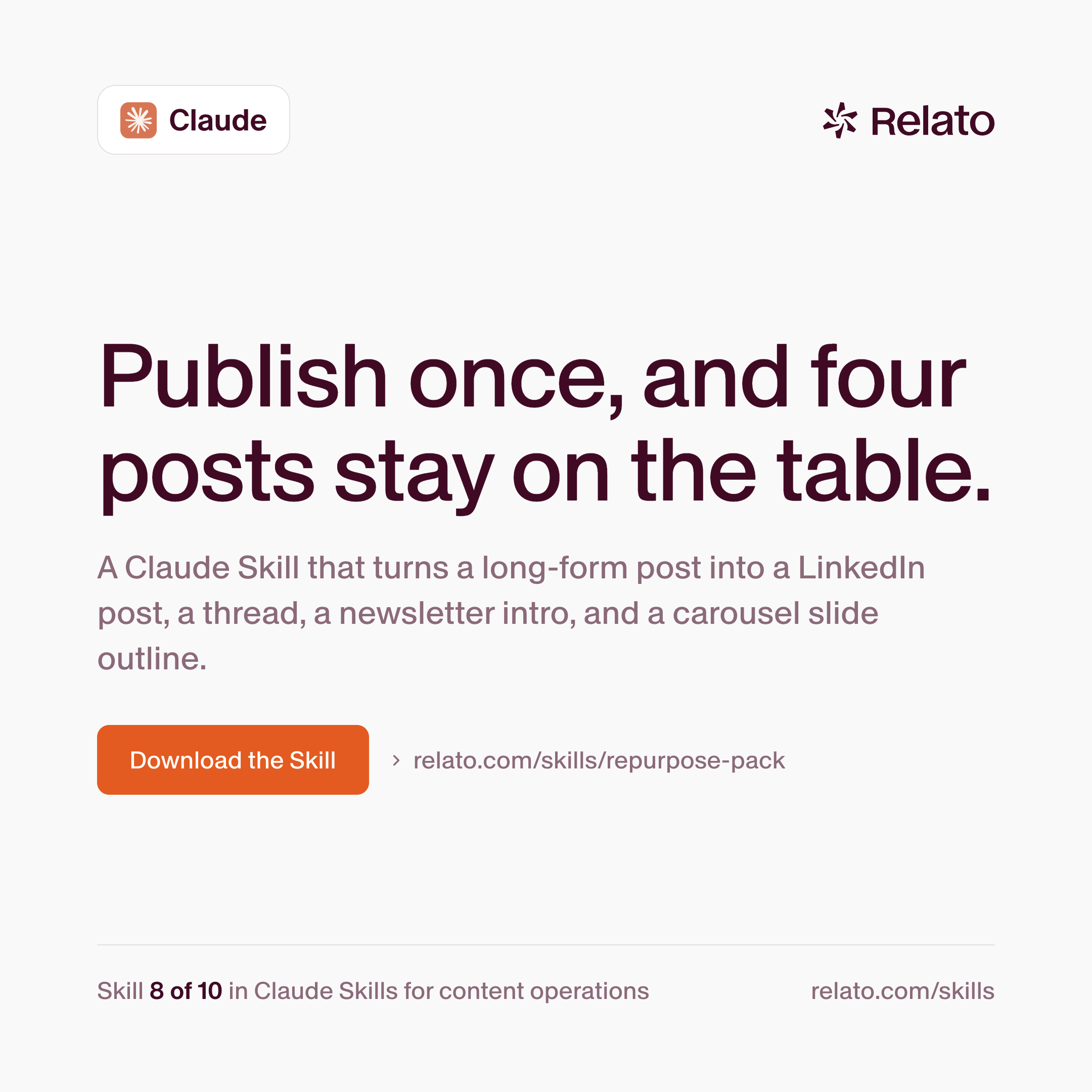
Converts one long-form post into four distribution artefacts: a LinkedIn post of 600 to 900 words, an X thread of six to nine tweets, a newsletter intro that links back, and a carousel slide outline. Hooks are quotes or paraphrases from the original. Nothing is added that the post did not already claim.
FAQ Generator
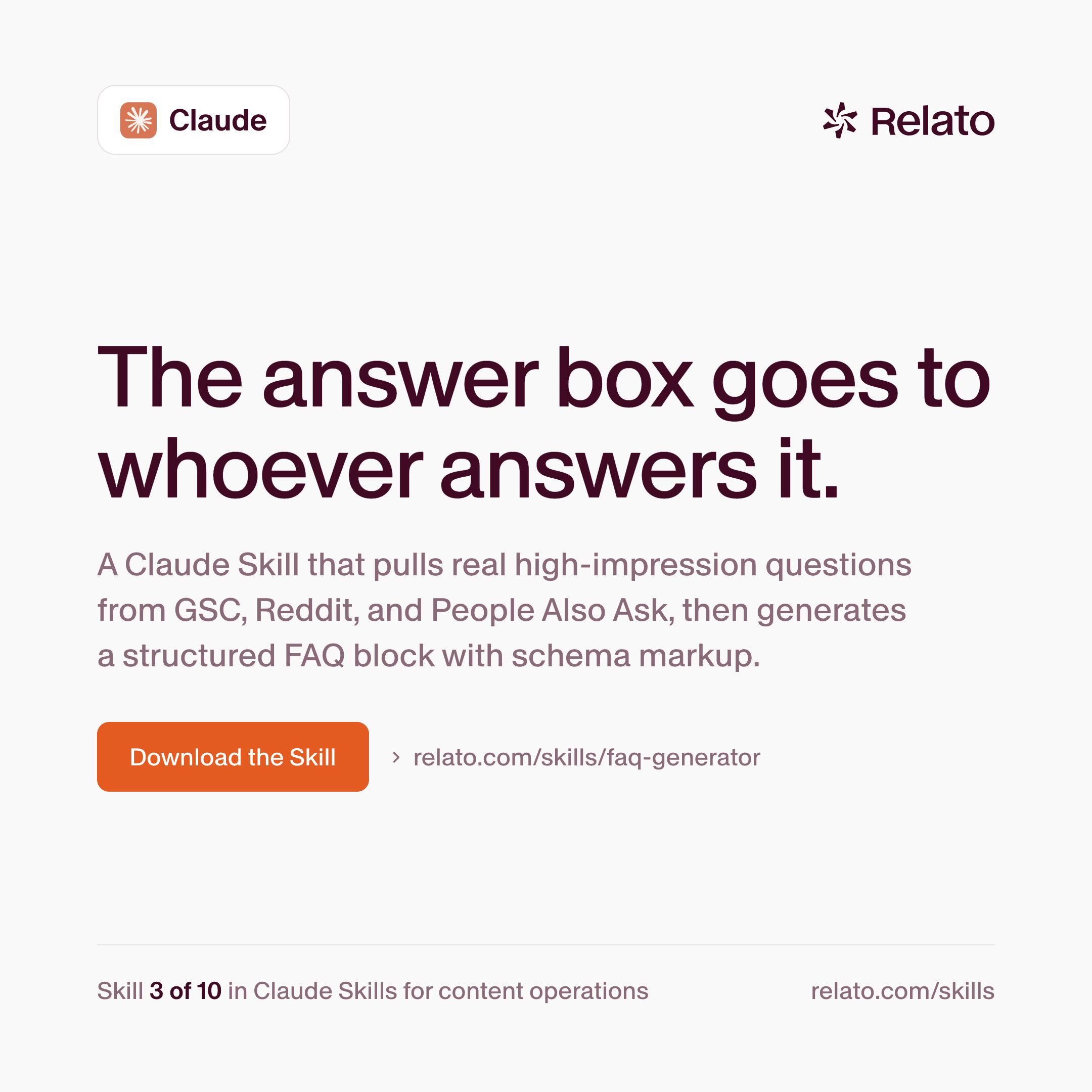
Mines the questions people ask around one URL: question-form queries from Search Console, Reddit threads on the topic, and Google's People Also Ask, ranked by impressions. It drafts five to ten Q and A pairs in your voice, each answer under 80 words. Output is a paste-ready markdown block, matching frontmatter, and FAQPage JSON-LD. The rest of the post stays untouched.
Refresh Queue Builder
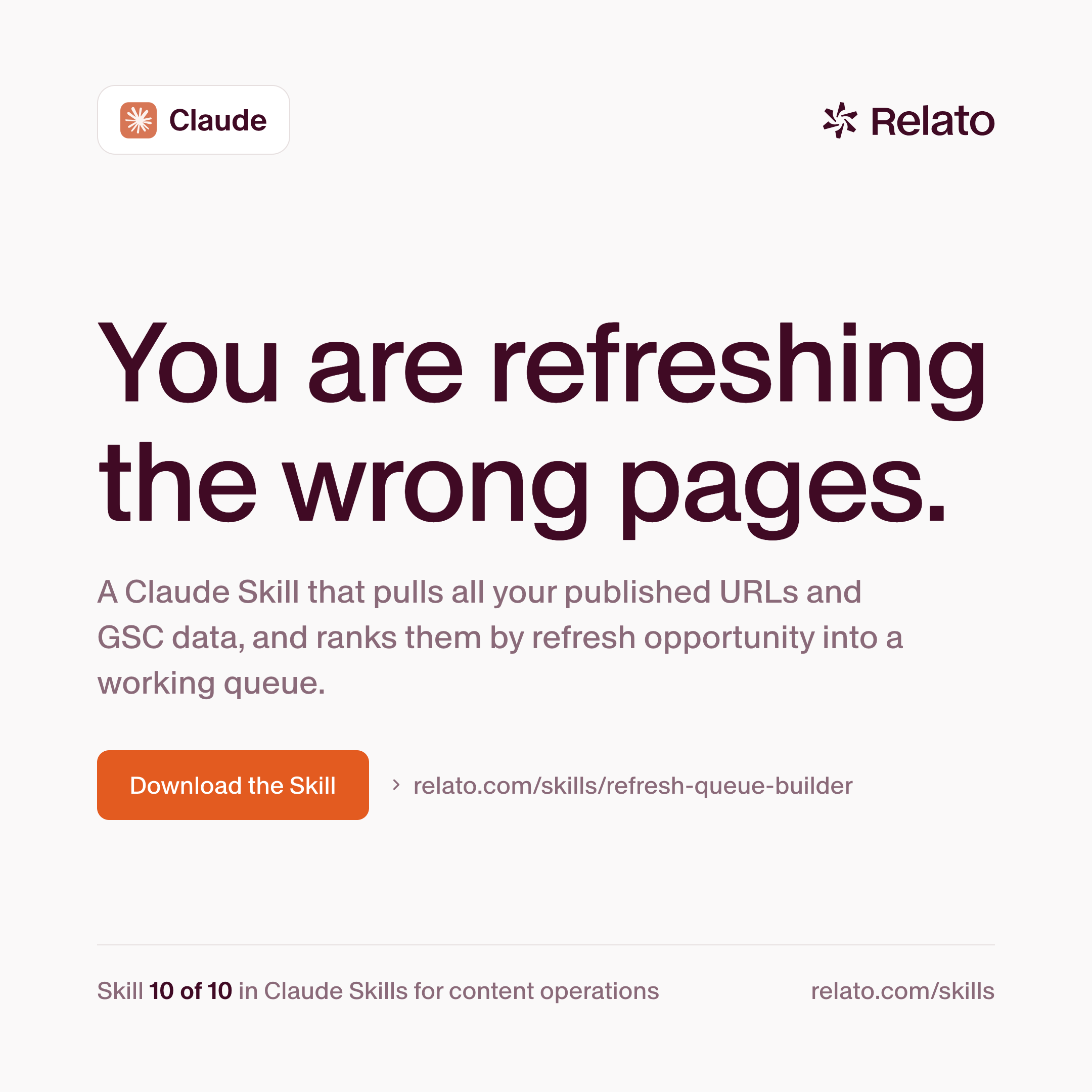
The intake for the SEO Refresher. It pulls every published URL on your blog, joins Search Console data per URL, and scores each by refresh opportunity: striking-distance impressions, time since last update, position and click trends. The result is a ranked markdown queue, top 50 by default. URLs refreshed in the last 90 days are skipped, and declining posts carry a flag.
SEO Refresher
Refreshes one published post per run, using the same striking-distance loop Relato runs on relato.com. It pulls the post's last 90 days of Search Console queries, keeps those at position 4 to 20 with real impressions and weak clicks, and picks the highest-impression query the post does not yet answer in an H2. Then it adds that section, extends the FAQ and its schema, fixes the title and meta, and updates internal links in both directions. The humanizer runs last. It never batches and never invents Search Console data.
Frequently asked questions
What is a Claude Skill?
A reusable instruction package Claude loads when a task calls for it: a folder holding a SKILL.md file, with frontmatter that names and describes the skill and a markdown body carrying the procedure, the rules, and the output format. You install it once and invoke it by name.
Are these skills free?
Yes. All ten ship under an MIT license. Submit your email on a skill's page and the bundle arrives as a Google Doc copy of the SKILL.md with install notes, plus a one-page PDF summary.
Do I need a paid Claude plan?
You need Claude Code, or a claude.ai plan that supports skills. The skills themselves cost nothing.
How do I install a skill in Claude Code?
Save the SKILL.md to ~/.claude/skills/<skill-name>/SKILL.md, then ask for the skill by name in a session. For a shared setup, commit the folder to .claude/skills/ inside the project repo instead, and everyone who pulls the repo gets it.
Can I edit a skill to match my team's voice?
Yes, and we recommend it. Each SKILL.md is plain markdown. Edit the voice or rules section and the skill enforces your version from the next run.
Do the ten skills depend on each other?
They chain, but each runs alone, with one exception: the SEO Refresher calls the Humanizer as its final voice pass, so install both for that one. Every skill stops at its own output (a brief, an outline, a report, a queue) and names the skill that picks up next.